
Signs of Life Alien Language: How to Learn Xenoid Script
How the Signs of Life alien language works: scan inscriptions, build understanding, unlock Xenoid dialogue and extract seven archive records with AGIS.
You learn the Xenoid language by scanning inscriptions. There is no separate skill tree or vendor. Every glyph you scan moves the bar.
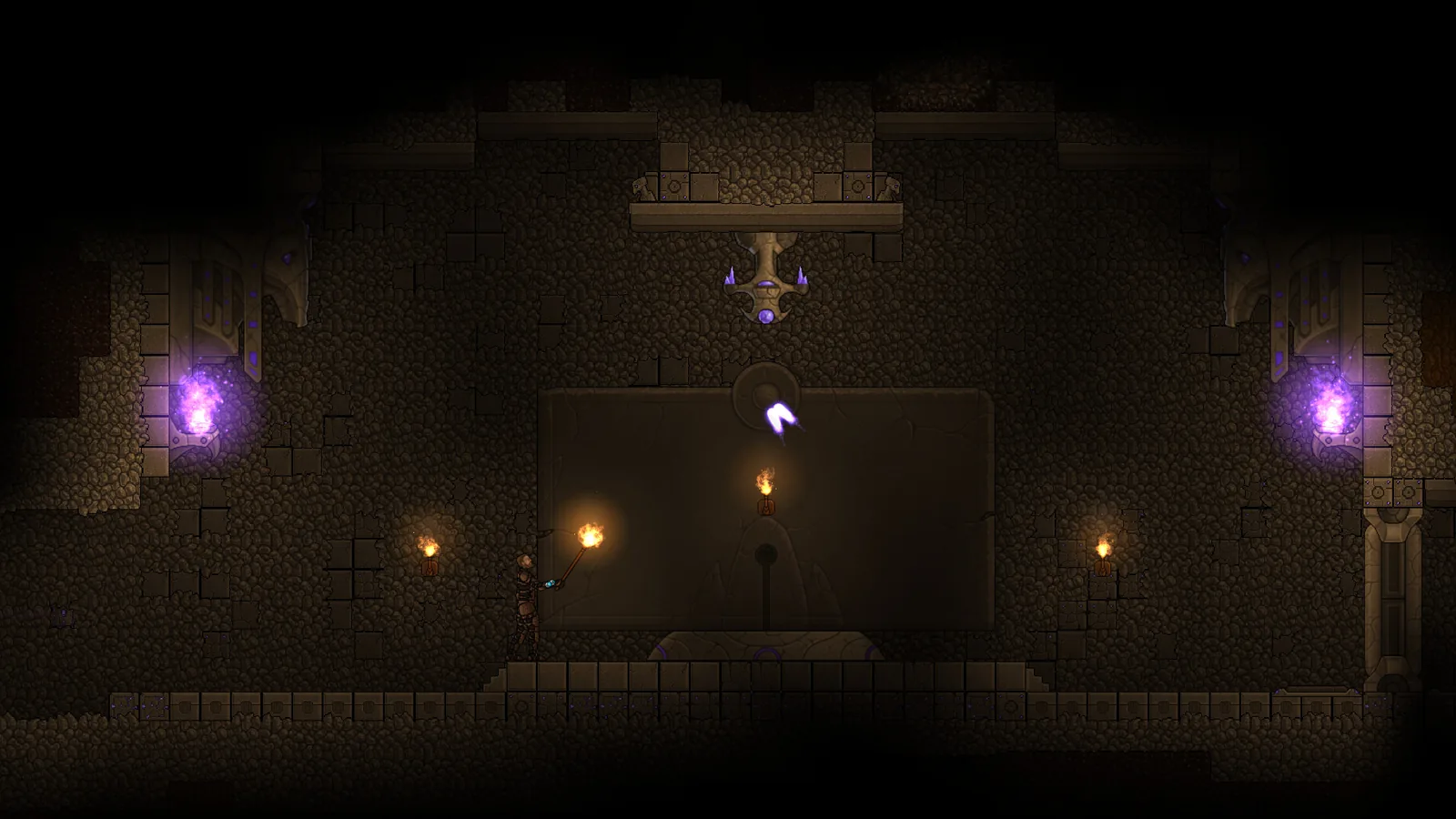
The alien language is one of Signs of Life's more unusual progression systems. It is not a dialogue option you unlock by finishing a quest. It is a collection mechanic: scan the writing, build understanding, and eventually read the archives.
This guide explains where to find inscriptions, how the progression works, and what changes when you understand the Xenoid.
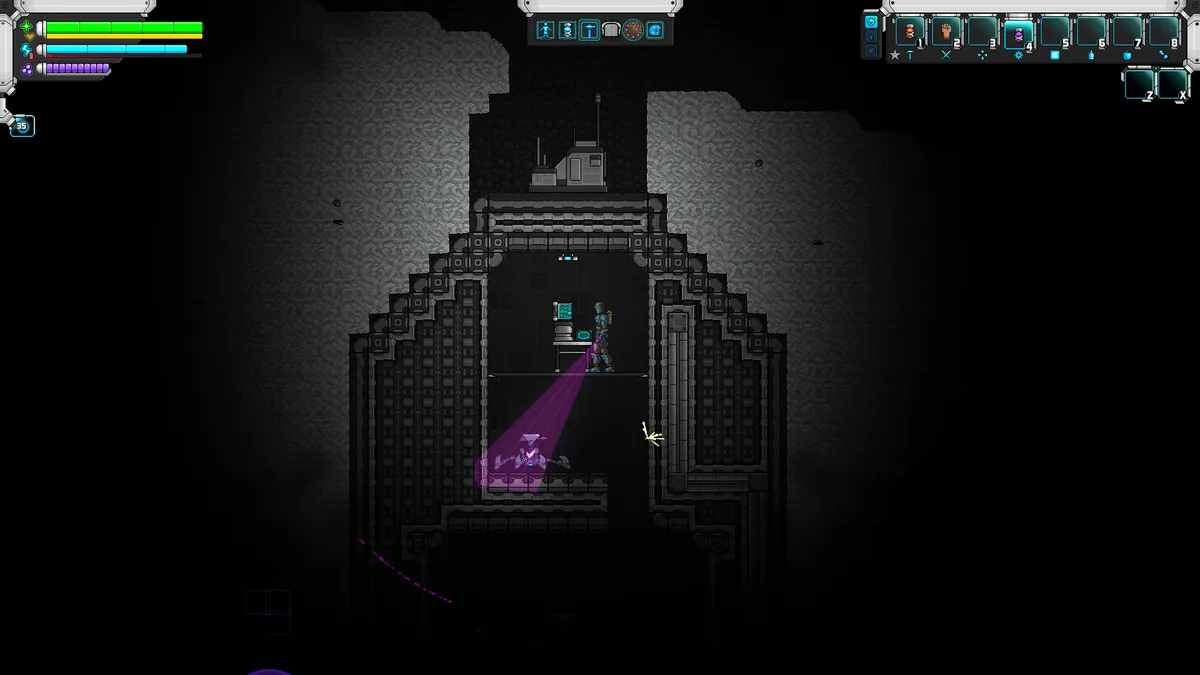
Every new inscription adds to the language.
What the language unlocks
The language is the key to the Xenoid side of the story. Once you understand enough:
- Xenoid dialogue becomes readable.
- AGIS can extract seven reusable archive records into the MEG.
- City exploration gains context; the rooms and objects stop being set dressing.
- The ending's alien perspective becomes clear.
The archives are the main reward. They explain Xenoid history, their relationship with Osiris and their view of the Hephaestus colony.
Where to find inscriptions
Inscriptions appear on:
- Xenoid city walls and monuments.
- Ruins and ancient structures.
- Alien machines and shrines.
- Story locations in the deep dungeon.
- New Earth shrines in the late-game areas.
The exact locations vary by world, but the pattern is consistent: if a structure looks alien and has a written surface, scan it. Do not wait for a quest marker.
How scanning works
- Equip the MEG and use the scan function.
- Aim at the inscription until the scan completes.
- The MEG records the glyphs and adds to your understanding.
- Repeat across different inscriptions.
- Check the Codex tab for new entries.
Scanning is not a one-time interaction. Some inscriptions are part of a set; scanning the same wall twice does not help, but scanning a different wall in the same city does.
The progression curve
The game does not publish an exact number of inscriptions required. The practical curve is:
- Early: you recognise individual signs but cannot read sentences.
- Mid: you understand names, places and warnings.
- Late: you can follow dialogue and archive text.
- Complete: AGIS can extract the seven archives.
Do not expect a single city to complete the language. Explore ruins, cities and story locations across the world.
A scanning route
Phase 1: surface ruins
Start with the ruins near the main story path. They introduce the visual language and give you the first entries. Scan the exterior before entering; some inscriptions are easier to see in daylight.
Phase 2: deep dungeon
The dungeon beneath the bottom teleporter contains denser alien writing. This is where the language starts to feel like a system rather than decoration.
Phase 3: Xenoid cities
Cities are the richest source. Scan the public spaces, monuments and archives. The 1.0 layouts add more rooms and family spaces, which means more surfaces to scan.
Phase 4: New Earth
New Earth shrines and tunnels add late-game inscriptions. If you are hunting the last entries, revisit the shrines after the main story.
What AGIS does
AGIS is your AI companion and the narrative voice of the MEG. Once you understand enough of the language, AGIS can extract the seven reusable Xenoid archive records into the MEG.
The extraction is not a separate minigame. It is a story beat that turns your scanning work into readable archives. If AGIS is not offering the extraction, you have not reached the language milestone.
Language and the ending
The ending route runs through Xenoid territory. Understanding the language changes what you understand about the finale, even if the mechanical steps are the same.
If you rush the ending without scanning, you will still reach credits. You will miss the context that makes the Xenoid a civilisation rather than a enemy faction.
Tips for completionists
- Scan every new glyph before looting a room.
- Keep a checklist of cities and ruins you have cleared.
- Revisit cities after major story beats; dialogue may change.
- Use Comm Beacons to mark unscanned structures.
- Check the Codex after each session for new entries.
- Do not sell or discard archive-related items.
Common problems
Scanning does not progress. Make sure you are scanning a new inscription, not the same one. Different walls and monuments count separately.
AGIS will not extract the archives. You have not reached the language milestone. Scan more inscriptions in cities and story locations.
I missed a city. The MEG map and beacons help, but the game does not mark every settlement. Revisit the alien zones after the main story.
The language feels optional. It is optional for the mechanics of the ending, but it is the core of the Xenoid narrative. Treat it as the main story's second half.
Is it worth learning?
Yes, if you care about the story. The Xenoid are the most original part of Signs of Life's setting, and the language is how the game gives them a voice. If you only want combat and building, you can skip it, but you will experience a thinner ending.
The Xenoid guide→ covers their society and loot, and the ending guide→ covers the final route.
Official source: Sweet Dog Studios 1.0 announcement, Update 25 patch notes (language scanning) and the official wiki, checked 10 November 2026.
Sources and further reading
- 1.0 release announcement ↗ - Xenoid archives and city changes
- Update 25 patch notes ↗ - language scanning and alien territory
- Official wiki ↗ - Xenoid and structure entries
- Steam store page ↗ - story overview
FAQ
How do you learn the alien language in Signs of Life?
Scan inscriptions in ruins, Xenoid cities and story locations. Each new scan adds to your understanding.
How many archives are there?
Seven reusable Xenoid archive records. AGIS can extract them into the MEG once you understand enough of the language.
Can I learn the language after the ending?
You can keep playing after the credits, but the language is part of the late-game route. It is easier to scan as you go.
Does the language affect gameplay?
It unlocks dialogue and archives. It does not change combat stats or recipes directly.
Related Signs of Life Guides
Who the Xenoid are in Signs of Life, what their cities contain, how to fight them, and where to find Xenohide, Xenoid Alloy and archive records.
How to navigate Osiris in Signs of Life: MEG map, Comm Beacons, the Mining Base, caves, the bottom teleporter and the route to Xenoid territory.
A spoiler-light Signs of Life ending guide: prerequisites, the bottom teleporter, the deep dungeon, the final sequence and what unlocks after credits.
Every major Signs of Life 1.0 change: the ending, Xenoid cities, colony management, rebalanced gear, controls and co-op fixes.
The Signs of Life achievement list with global unlock rates, the gemologist chain, the joke achievements and a practical completion route.
How armor works in Signs of Life, the best early and late sets, Ghost Hide and Energy Plate bonuses, mining suits and co-op gear priorities.
More Signs of Life Guides
Automate a Signs of Life base with turrets, Pneumail shared storage, drone accessories and post-game colonist jobs, without wasting power.
How base building works in Signs of Life: valid room sizes, walls, doors, lighting, station layout and the mistakes that waste materials.
Choosing a Signs of Life base location: ore access, flat ground, biome hazards, story travel and the best spots for a first or late-game base.
Practical Signs of Life tips for new players: scan everything, manage stamina, build one good room, and avoid the early base traps.
A tour of Signs of Life biomes: grasslands, purple alien terrain, caves, ruins, Xenoid cities and the late-game New Earth areas.
The major Signs of Life boss fights, the order to attempt them, gear checks and arena tips, plus a pointer to the Buff Mechington Mk2 strategy.
How to beat Buff Mechington Mk2 in Signs of Life: the glowing weak points, head-tail-chest order, the three-second chest window and co-op tactics.
How Signs of Life co-op works: Steam friend hosting, drop-in play, character transfer, shared storage, PvP settings and role splits for two players.