
Signs of Life Multiplayer Not Working: Co-op Fixes That Work
Fix Signs of Life co-op problems: version mismatch, mod errors, Steam invites, host visibility, connection drops and save sync issues.
Most co-op failures after a patch are version mismatches. Update the game on every machine before changing anything else.
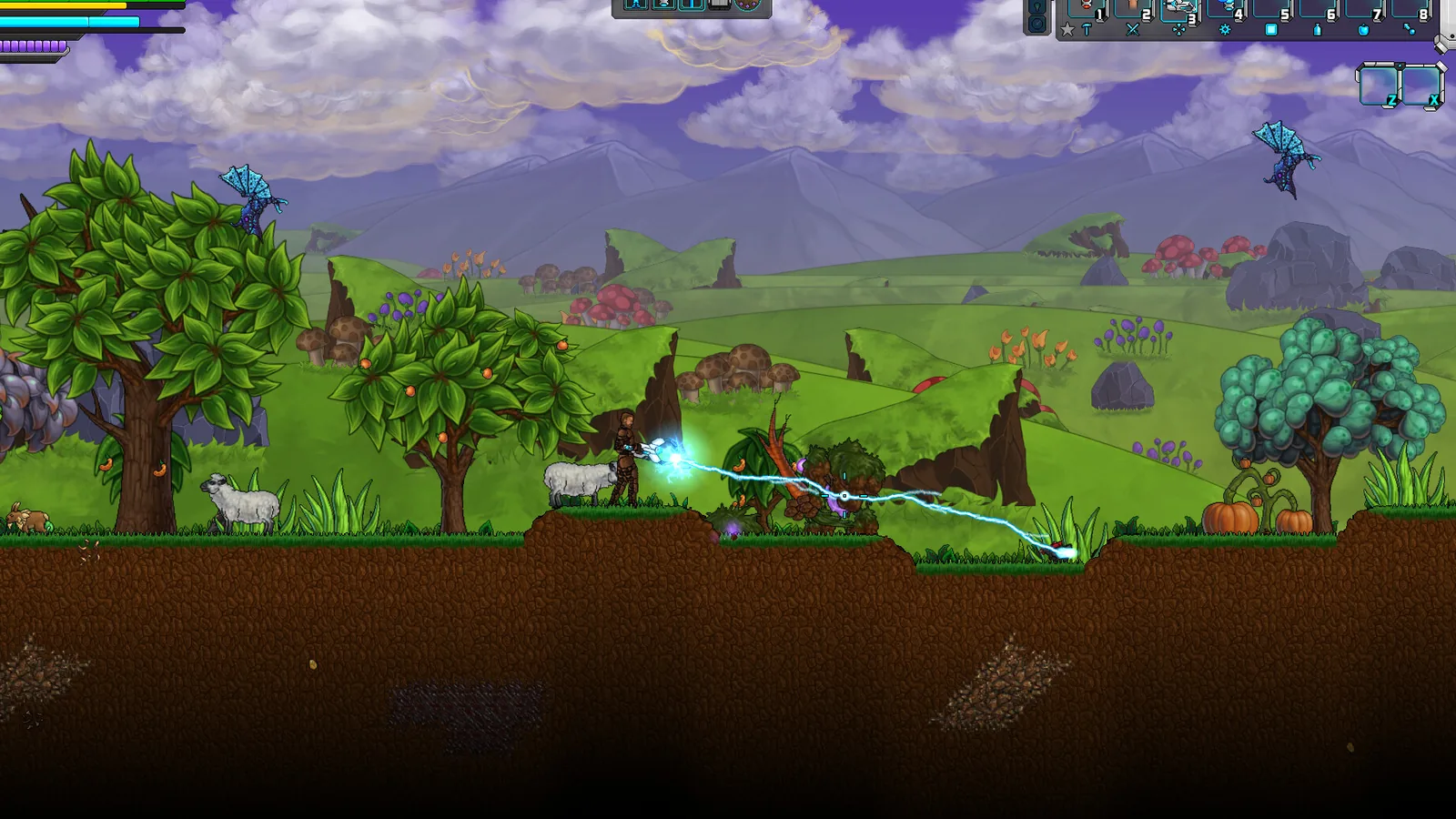
Signs of Life co-op is host-based: one player opens a world, friends join through Steam, and the host's machine does the simulation. That design removes dedicated-server complexity, but it adds a few specific failure modes.
This guide is ordered by how often each fix solves the problem. It assumes the game launches and single-player works.
Most connection problems start before the world loads.
1. Confirm everyone is on the same version
After a patch, Steam may update one machine before another. A host on 1.0.1 and a friend on 1.0.0 will not connect cleanly, even if the lobby appears.
Fix:
- Open Steam on each machine and check for pending downloads.
- Let the update finish, then restart the game.
- Confirm the version in the game's main menu or Steam properties.
- If one machine is offline, bring it online and update.
This is the single most common cause of "multiplayer not working" after a release.
2. Check mods on every machine
If the host runs mods, every player needs the same mods. A missing mod can cause a failed join, a black screen or a desync.
Fix:
- Ask the host for the exact mod list.
- Install the same versions, not just the same names.
- Disable mods one by one if the join still fails.
- Test with all mods disabled to confirm the base game connects.
The mods guide→ covers installation and version matching.
3. Use the Steam invite flow correctly
Signs of Life uses Steam friends for invitations. A few common mistakes:
- The host is in a single-player world and has not opened it to friends.
- The friend is appearing offline.
- The invite was sent but not accepted.
- The host's Steam overlay is disabled, so the invite UI does not appear.
Fix: both players appear online, open the Steam overlay, and accept the invite from the host's profile or the in-game friend list. If the overlay is disabled, enable it in Steam settings.
4. Restart Steam, not just the game
Steam's friend and lobby services can get stuck. A full restart of Steam refreshes the session and is faster than troubleshooting NAT.
Fix:
- Close Signs of Life.
- Exit Steam completely.
- Reopen Steam and launch the game.
- Host again and invite.
5. Verify the game files
A partial update or a corrupted file can break the join while leaving single-player playable.
Fix:
- Steam -> right-click Signs of Life -> Properties -> Installed Files -> Verify integrity of game files.
- Let the verification finish and relaunch.
6. Check the host's world visibility
The host may have loaded a world that is not open to friends. Open the pause menu and confirm the session is visible. If there is a password, share it.
In some cases, the host needs to return to the main menu and reload the world before the invite registers. This is a common workaround for "friend cannot join" errors.
7. Firewall and network basics
There is no dedicated server, so the host's machine accepts the connection. If the host is on a restrictive network, friends may not be able to join.
Try:
- Allow Signs of Life through the Windows firewall (private and public networks as appropriate).
- Disable a VPN temporarily to test whether it is interfering.
- Try a different host on the same network to isolate the problem.
- Restart the router if the host's connection has been up for weeks.
Do not open random ports based on a guide for a different game. Signs of Life uses Steam's networking; there is no published port list to forward.
8. Check the host's load
The host runs the world simulation. A heavily modded world, a large colony or a weak CPU can make the session appear to disconnect when it is actually struggling.
Fix:
- Close background applications on the host.
- Lower the world size if you are starting fresh.
- Reduce the number of active colony jobs.
- Host on the strongest machine in the group.
The system requirements→ page covers performance.
9. Rejoin after a disconnect
If the connection drops, the joining player can usually rejoin the same world. Update 27 improved joining and reconnecting, but the host must still be in the session.
Fix:
- Host stays in the world.
- Player returns to the main menu and accepts a new invite.
- If the world does not appear, restart Steam and try again.
10. Save sync and cloud conflicts
Steam Cloud can create a conflict if two machines have different versions of the same world. The host's local save is the one that matters for co-op.
Fix:
- Close the game on the other machine.
- Let Steam finish syncing.
- Back up the host's save folder before accepting any cloud version.
- If a cloud conflict appears, choose the host's most recent local save.
What not to do
Do not delete the host's world to fix a join error. The world is the base. Back it up first.
Do not install a "multiplayer fix" mod from an unknown source. The game has official mod support; use known mods and match versions.
Do not assume the problem is the host's internet. Version mismatch and mod mismatch are more common.
Do not expect a dedicated server. There is no server executable to rent or configure.
When to report a bug
If all of the above fails, report it with:
- Game version on both machines.
- Mod list and versions.
- Whether single-player works.
- The exact error message or symptom.
- Whether the host is on a VPN or restrictive network.
The Steam community discussions are the fastest place to compare with other players. The developer also posts patch notes there.
Official source: Official Signs of Life multiplayer page, Update 27 co-op patch notes and Steam store feature list, checked 10 November 2026.
Sources and further reading
- Official multiplayer page ↗ - how hosting works
- Update 27 patch notes ↗ - join, reconnect and co-op fixes
- Steam community discussions ↗ - player reports and workarounds
- Steam store page ↗ - co-op features
FAQ
Why can't my friend join my Signs of Life world?
The most likely causes are a version mismatch, missing mods, or an invite that was not accepted. Update both machines and restart Steam first.
Does Signs of Life need port forwarding?
There is no published port list and no dedicated server. The game uses Steam networking, so port forwarding is not the first fix to try.
Can I play co-op with mods?
Yes, if every player installs the same mods at the same versions as the host.
Why does co-op disconnect when the host builds a large base?
The host runs the simulation. A large base or colony can strain a weak machine. Close background apps and reduce active jobs.
Related Signs of Life Guides
How Signs of Life co-op works: Steam friend hosting, drop-in play, character transfer, shared storage, PvP settings and role splits for two players.
How modding works in Signs of Life after the Update 26 overhaul, how to install and troubleshoot mods, and the rules for playing modded co-op.
Signs of Life PC and Linux system requirements, plus practical performance advice for large worlds, co-op hosting and older laptops.
Every major Signs of Life 1.0 change: the ending, Xenoid cities, colony management, rebalanced gear, controls and co-op fixes.
The Signs of Life achievement list with global unlock rates, the gemologist chain, the joke achievements and a practical completion route.
How the Signs of Life alien language works: scan inscriptions, build understanding, unlock Xenoid dialogue and extract seven archive records with AGIS.
More Signs of Life Guides
How armor works in Signs of Life, the best early and late sets, Ghost Hide and Energy Plate bonuses, mining suits and co-op gear priorities.
Automate a Signs of Life base with turrets, Pneumail shared storage, drone accessories and post-game colonist jobs, without wasting power.
How base building works in Signs of Life: valid room sizes, walls, doors, lighting, station layout and the mistakes that waste materials.
Choosing a Signs of Life base location: ore access, flat ground, biome hazards, story travel and the best spots for a first or late-game base.
Practical Signs of Life tips for new players: scan everything, manage stamina, build one good room, and avoid the early base traps.
A tour of Signs of Life biomes: grasslands, purple alien terrain, caves, ruins, Xenoid cities and the late-game New Earth areas.
The major Signs of Life boss fights, the order to attempt them, gear checks and arena tips, plus a pointer to the Buff Mechington Mk2 strategy.
How to beat Buff Mechington Mk2 in Signs of Life: the glowing weak points, head-tail-chest order, the three-second chest window and co-op tactics.