
Signs of Life Map Guide: Osiris Layout and MEG Navigation
How to navigate Osiris in Signs of Life: MEG map, Comm Beacons, the Mining Base, caves, the bottom teleporter and the route to Xenoid territory.
The MEG map shows what you have explored. It does not mark every ruin, lab or Xenoid city. Scanning and beacons fill the gaps.
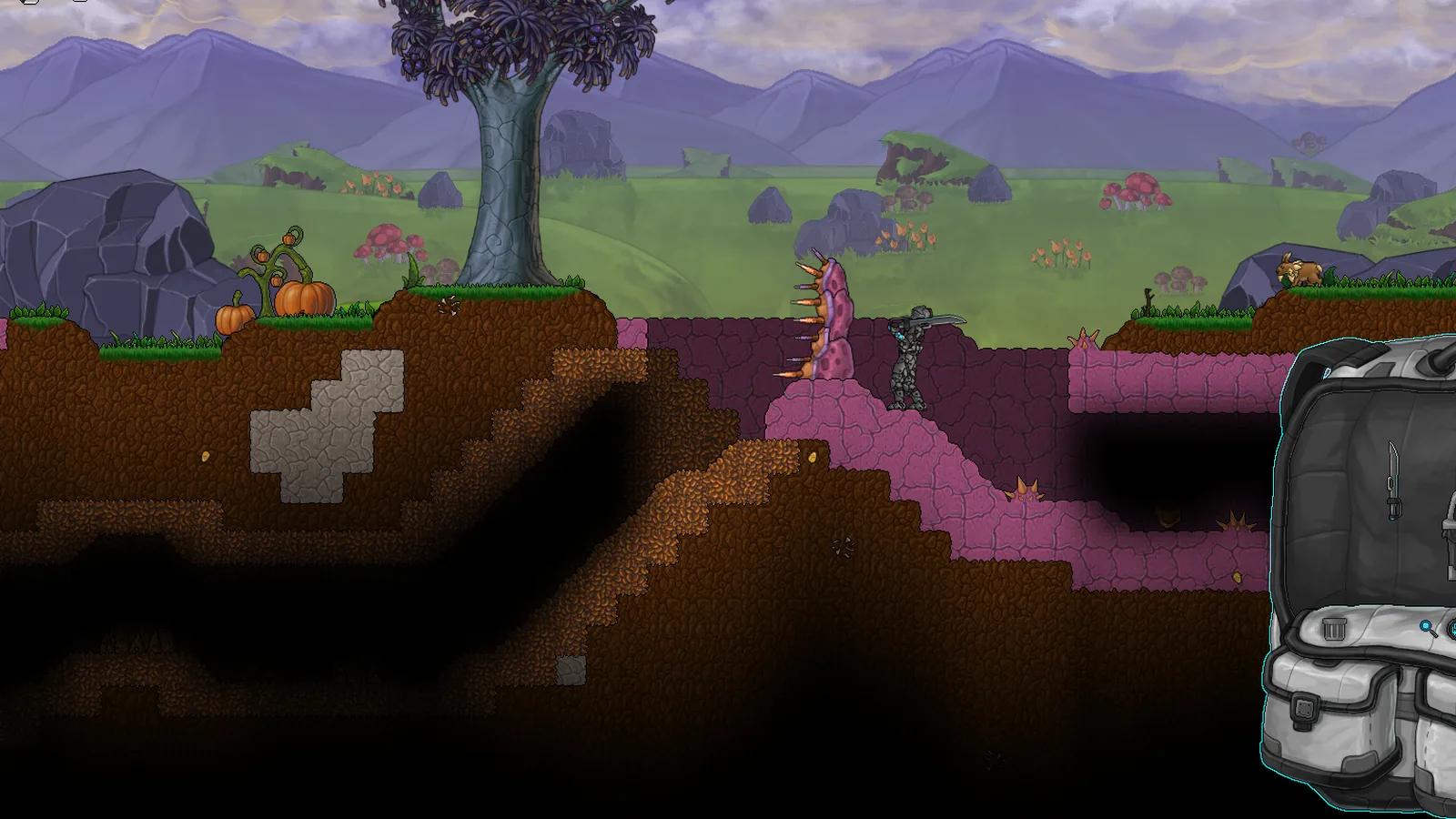
Osiris is large enough to get lost in and hand-built enough that the interesting places are not procedurally repeated. The game gives you a map, a journal and a set of beacon tools, but it does not draw a route to the next story beat.
This guide explains the world's broad layout, how the MEG map works, and a practical navigation routine that saves time without turning the game into a checklist.
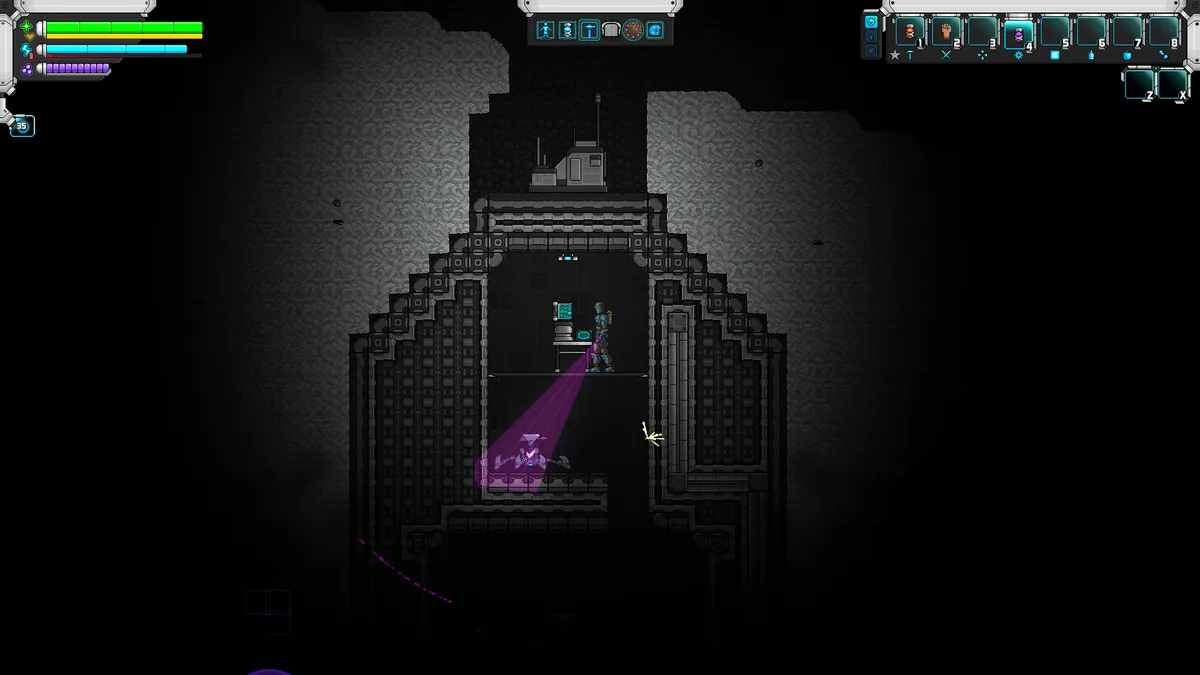
The MEG is the map, journal and scanner in one.
The broad layout
A typical world is organised around a starting surface area and a vertical descent:
- Spawn and Mining Base: the tutorial area, with the grabber, first datapads and early ore.
- Surface ring: grassland, forest, rocky terrain and the first ruins.
- Upper caves: copper, tin, coal and early enemies.
- Deep caves: iron, silver, gold and the rarer ores.
- Bottom of the world: a teleporter that opens the deep dungeon.
- Deep dungeon: the late-game route into native intelligent alien territory.
- Xenoid settlements: cities and structures in the alien zones.
- New Earth: a late-game area with longer tunnels and shrines.
The exact compass direction of each area varies by seed. The vertical order is more reliable than the horizontal one.
The MEG map
The MEG is your multi-purpose tool. It has three tabs: Codex, Map and Upgrade. The Map tab shows terrain you have explored, your position and markers you have placed.
What the map does well:
- Shows the shape of explored terrain.
- Tracks your current position.
- Records markers and points of interest you have added.
- Helps you find your way back to a base or cave entrance.
What the map does not do:
- Reveal unexplored terrain.
- Mark every hand-built location.
- Tell you which ruin is worth revisiting.
- Replace the journal for story steps.
Treat the map as a memory aid. If you find a rich vein or a locked door, mark it.
Comm Beacons
Comm Beacons can be labelled and coloured. That makes them the best navigation tool in the game. Use them to mark:
- Your main base.
- A forward camp.
- A rich ore vein.
- A locked door or hatch you cannot open yet.
- A Xenoid city entrance.
- The bottom teleporter.
A beacon with a clear label is worth more than a dozen mental notes. In co-op, beacons also help a second player find the base without a tour.
A navigation routine
- Before leaving base: check food, light, weapon and free inventory.
- On the surface: follow the terrain contour rather than climbing every hill.
- At a cave entrance: place a beacon and light the first twenty metres.
- At a fork: mark the path you came from.
- At a ruin: scan the exterior, then the interior, then loot.
- Before descending: note the depth and the enemy type. If either is beyond your gear, turn back.
- Before returning: drop a marker at the deepest point you reached.
This routine is slow on the first trip and fast on every return.
Finding the story route
The main story is recorded in the MEG journal. If you are unsure where to go, open the journal and read the last few entries. The game often names the next location in a datapad you already scanned.
The broad route is:
- Wake up, take the grabber, explore the Mining Base.
- Follow the surface clues to labs and ruins.
- Descend into the caves for ore and the first alien signs.
- Find the teleporter at the bottom of the world.
- Complete the deep dungeon.
- Enter native intelligent alien territory.
- Learn the language and follow the Xenoid arc.
- Reach the ending and the post-game colony.
The ending guide→ covers the final steps with spoiler warnings.
The bottom teleporter
The teleporter at the bottom of the world is the gateway to the deep dungeon. It is not a random cave exit; it is a story structure. If you find it early, mark it and come back with gear.
The descent is the hardest navigation challenge in the game. Bring:
- Multiple light sources.
- Food in the HUD slot.
- A strong weapon.
- A free inventory.
- A backup save.
Do not try to reach the bottom on your first cave trip. The game expects you to build up to it.
Co-op navigation
In co-op, only the host's map is authoritative. A joining player sees the host's explored terrain, but markers and beacons are shared world objects.
Practical rules:
- The host places the main base beacon.
- Each player marks their own forward camp.
- Use colours to distinguish mining, story and base markers.
- Do not delete another player's beacon without asking.
Common navigation mistakes
Treating the map as a quest log. It is not. Read the journal.
Not marking rich veins. You will not remember which cave had the titanium.
Descending without light. A dark retreat is how players lose their inventory.
Building a base in a dead-end corner. It feels safe and makes every trip long.
Ignoring vertical routes. Elevators and stair shafts turn a difficult base into a convenient one.
A note on online maps
There is no official full-world map, and procedural seeds differ. A map image from another player will not match your world. Use it to understand the general layout, not to find a specific coordinate.
The biomes guide→ explains what each area contains, and the resources guide→ explains which depth bands hold which ores.
Official source: Signs of Life MEG and world structure as described in Updates 25-27 and the official wiki, checked 10 November 2026.
Sources and further reading
- Update 25 patch notes ↗ - MEG tabs, bottom teleporter and journal
- Update 26 patch notes ↗ - Comm Beacons and world sizes
- Steam store page ↗ - world overview
- Official wiki ↗ - structures and biomes
FAQ
Does Signs of Life have a full map?
The MEG map records explored terrain but does not reveal the whole world or mark every hand-built location.
How do I find the bottom teleporter?
Descend through the caves to the bottom of the world. The teleporter is a story structure, not a random exit. Mark it when you find it.
Can I label map markers?
Yes. Comm Beacons can be labelled and coloured, which makes them useful for bases, ore veins and locked doors.
Do co-op players share a map?
They share the host's world and its markers. The host's explored terrain is the reference point.
Related Signs of Life Guides
A tour of Signs of Life biomes: grasslands, purple alien terrain, caves, ruins, Xenoid cities and the late-game New Earth areas.
How the Signs of Life alien language works: scan inscriptions, build understanding, unlock Xenoid dialogue and extract seven archive records with AGIS.
A spoiler-light Signs of Life ending guide: prerequisites, the bottom teleporter, the deep dungeon, the final sequence and what unlocks after credits.
Every major Signs of Life 1.0 change: the ending, Xenoid cities, colony management, rebalanced gear, controls and co-op fixes.
The Signs of Life achievement list with global unlock rates, the gemologist chain, the joke achievements and a practical completion route.
How armor works in Signs of Life, the best early and late sets, Ghost Hide and Energy Plate bonuses, mining suits and co-op gear priorities.
More Signs of Life Guides
Automate a Signs of Life base with turrets, Pneumail shared storage, drone accessories and post-game colonist jobs, without wasting power.
How base building works in Signs of Life: valid room sizes, walls, doors, lighting, station layout and the mistakes that waste materials.
Choosing a Signs of Life base location: ore access, flat ground, biome hazards, story travel and the best spots for a first or late-game base.
Practical Signs of Life tips for new players: scan everything, manage stamina, build one good room, and avoid the early base traps.
The major Signs of Life boss fights, the order to attempt them, gear checks and arena tips, plus a pointer to the Buff Mechington Mk2 strategy.
How to beat Buff Mechington Mk2 in Signs of Life: the glowing weak points, head-tail-chest order, the three-second chest window and co-op tactics.
How Signs of Life co-op works: Steam friend hosting, drop-in play, character transfer, shared storage, PvP settings and role splits for two players.
How the Signs of Life colony works: Pioneer Station computer, room requirements, colonist jobs, Pneumail storage and new-world requirements.